Everything about Genderflip
The mechanics, the users, the honest differences from other apps, the photo tips, and the privacy story.
How Genderflip works
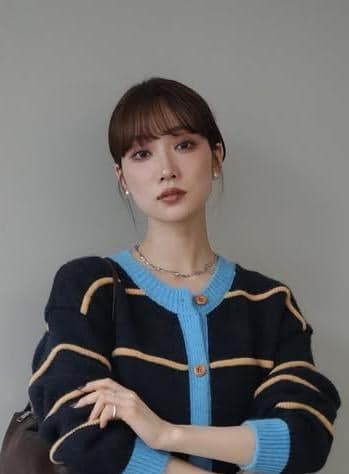
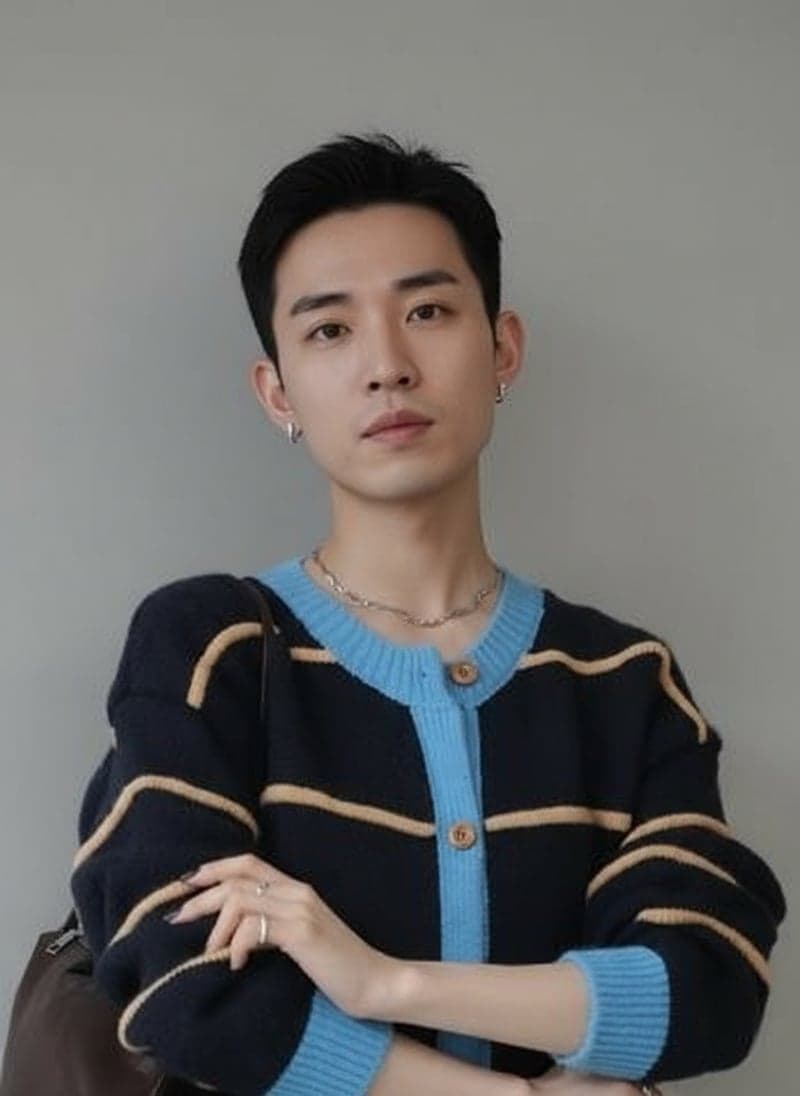
You upload a photo, pick the direction you want to flip, and the AI does the rest. Sign-up takes seconds and your first standard generation is free, with no waiting in a queue. The upload flow is a single page: drag or click, wait about 10–20 seconds, download the result. Under the hood, the model reconstructs your face with opposite-gender features while keeping the underlying bone structure, expression, and photo quality intact. It is not a sticker filter. It is not a cartoon. The output looks like a plausible version of you, not a random person. If you have ever tried an ai gender swap tool that returned something blurry or uncanny, the difference is usually in how the model handles lighting and facial landmarks. Genderflip keeps the original photo's framing and background, so the result feels like the same shot taken in a parallel timeline. You get the result back, ready to save or share. Your free generation arrives as a watermarked preview; any credit pack unlocks the full-resolution original.
Who actually uses a gender flip tool
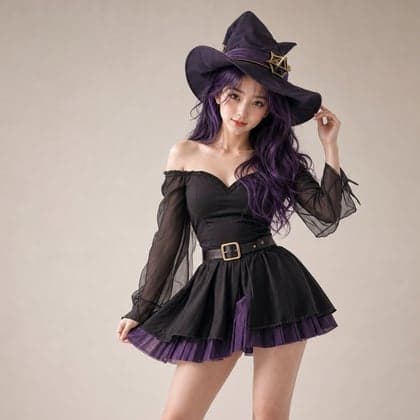
Three groups show up most often. First, people who just want to see the opposite-gender version of themselves — a question a lot of people have quietly wondered about for years but never had a good way to answer. Second, couples and friends use it for the obvious reason: curiosity. "What would we look like swapped?" is a party question that a gender flip tool answers in seconds, and the results usually get a laugh or a genuine double-take. Third, writers, artists, and roleplayers use it for character reference. If you are building a D&D character, a novel protagonist, or a cosplay persona, seeing a flipped version of your own face gives you a concrete starting point that text descriptions cannot. None of these use cases require a subscription. They require one good photo and a tool that does not get in the way.
Why Genderflip is different from other gender swap AI apps
Most gender swap ai tools fall into two camps: mobile apps that push a weekly subscription, or web toys that slap a cartoon filter on your face and call it a day. Genderflip sits in the middle on purpose. It works in the browser, so there is nothing to install and no app store account to manage. You buy credits once and use them when you want. No recurring charge, no "premium tier" that quietly renews. The bigger difference is the output. Many tools overcorrect: they smooth skin, enlarge eyes, or reshape the jaw so aggressively that the result stops being you. Genderflip keeps your facial proportions recognizable. The goal is a believable opposite-gender version of the same person, not a beauty-filtered stranger. If you have tried other gender swap ai apps and felt like the result was a costume, that is the gap this tool tries to close.
What kind of photo gets the best AI gender swap result
The model is only as good as the input. A clear, front-facing photo with even lighting will always beat a grainy selfie taken in a dark room. Natural daylight near a window is ideal. Avoid heavy backlighting, because the model needs to see the contours of your face, not a silhouette. Keep your hair off your face if possible, and remove hats, sunglasses, or anything that covers the jawline and brow. A neutral expression works best; a huge grin or a squint gives the model less stable geometry to work with. Resolution matters more than file size. A sharp 800-pixel image will outperform a blurry 4000-pixel one. If you are trying an ai gender swap online free for the first time, start with a simple headshot before experimenting with angled or stylized shots. You can always run more photos later, but a clean first result tells you what the tool actually does.
Is AI gender swap safe and private
Short answer: your photos are encrypted in transit and processed on our servers by the AI and moderation providers listed in the Privacy Policy. Images may be stored for delivery, troubleshooting, and safety, and you can ask for deletion using the contact form at genderflip.org/contact. Genderflip does not sell personal information, and nothing is published unless you choose to share a result to the moderated public gallery. You need an account to generate, which is how consent is confirmed and abuse is kept in check, and paying is a one-time credit purchase with no subscription. If you are using Genderflip for something personal, like exploring your own gender presentation, read the Privacy Policy first so you know exactly how your photo is handled.